Prohibiting users from changing their passwords
To prohibit users from changing their passwords, change the Self-service change setting.
-
Access cybozu.com administration.
Accessing cybozu.com administration -
Click Login.

-
In the Password policy section, clear Allow users to change password.

-
Click Save.
Consequences for password policy
When prohibiting password changes, the following options of password policy are grayed out and are not applied to users.
- Minimum number of characters for the user password
- Minimum number of characters for the administrator password
- Password complexity
- Login name as password
- Remember me for
- Password reuse limit
Differences in displaying profile
The items displayed in Profile vary depending on whether the administrators allow users to change passwords or not.
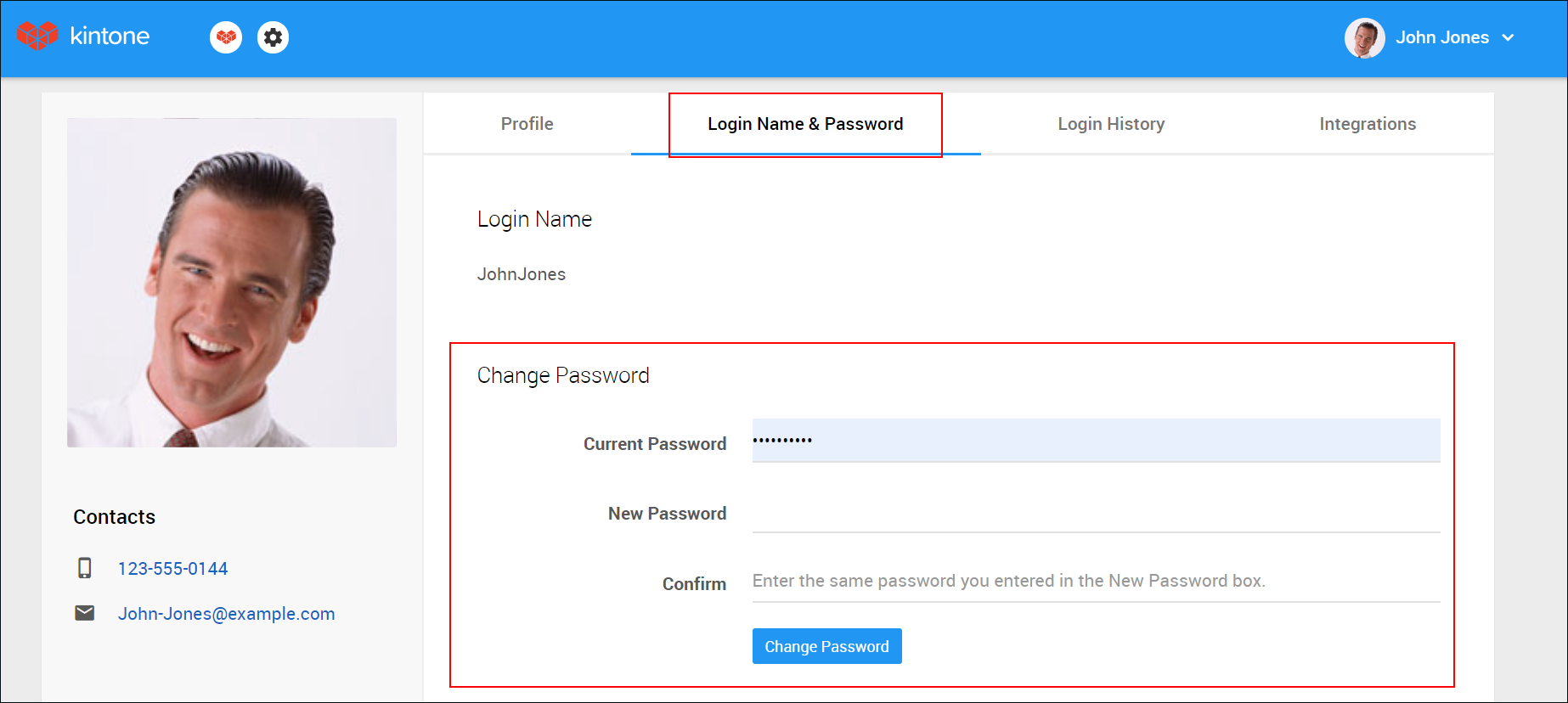
If users are allowed to change their passwords
Users can change their passwords from Profile.
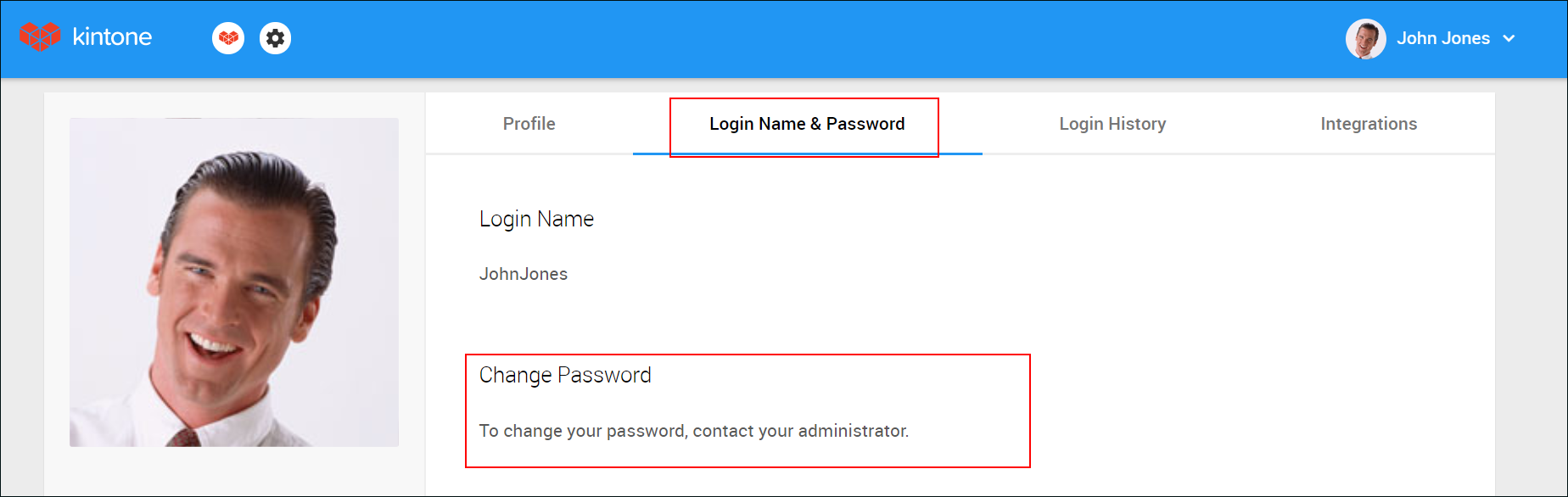
If users are prohibited to change their passwords
Password-related fields are not displayed in Profile.
Additionally, the password expiration setting is not applied.