Checking the system email failure history
If you cannot receive the audit log email from cybozu.com administration or the notification email from kintone or Cybozu Office, check the system email failure history and change the settings of the system email settings.
The system email failure history lists up to the 10 latest entries for the last one month. Entries older than one month are deleted, and thus you cannot check them.
-
Access cybozu.com administration.
Accessing cybozu.com administration -
Click System email.
-
On the System email Settings screen, click System email failure history.
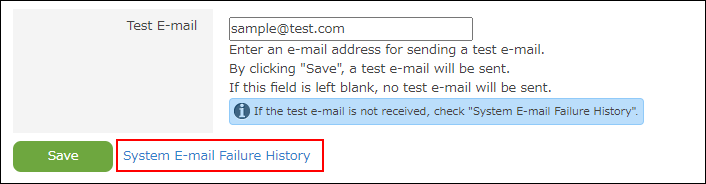 The System email failure history screen appears.
Fields in system email failure history
The following fields are included:
- Recipient
Displays the email address of the recipient.
When email was attempted to be sent to multiple recipients at the same time, the history displays one email address followed by the message xx more. - Sent
- Server settings utilized
Displays the IP address or host name, port number, and other setting details of the outgoing email server. - Error
Displays the error code, email address, cause, and others.