System time zone
You can change the system time zone of cybozu.com, if necessary.
You can change the system time zone of cybozu.com, if necessary.
- The date and time recorded in audit logs
- The date and time when the data in Tentative reorganization is applied
- Start date and End date displayed in Service usage
- The default time zone used by users
Default for system time zone
The following time zone is configured when using the trial or purchasing the service.
- Display Name of Time Zone Option: (UTC+09:00) Osaka, Sapporo, Tokyo
- ID of time zone: Asia/Tokyo
Changing system time zone
-
Access cybozu.com administration.
Accessing cybozu.com administration -
Click Locale.
-
In Time zone, select your time zone.
List of time zones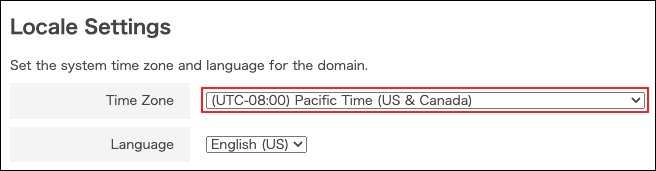
-
Click Save.