Allow web browsers to save login name and password
This is a setting allowing users to save their login names and passwords in their Web browsers.
Some Web browsers can override this setting.
For Google Chrome
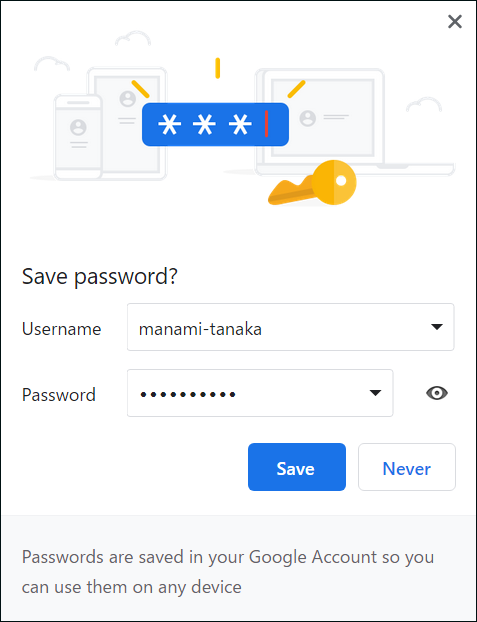
By enabling Allow Web browsers to save login name and password in cybozu.com administration, the following dialog is displayed in your Web browser.
Steps
-
Access cybozu.com administration.
Accessing cybozu.com administration -
Click Login.
-
In the Streamline login process section, select the Allow Web browsers to save login name and password checkbox.

-
Click Save.