Adding static groups
-
Access cybozu.com administration.
Accessing cybozu.com administration -
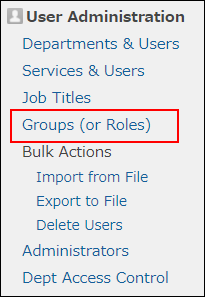
Click Groups (or roles).
-
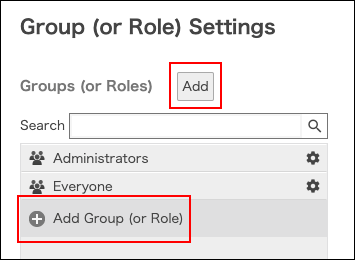
Click Add or Add group (or role).
-
Enter information of the group (or role).
For Membership type, select Static.
Items of group information -
Click Save.
-
Add members of the group (role).
For details, refer to the following page:
Changing the members of a static group