Applying the tentative structure immediately
This page describes the steps to apply the pre-registered data in Tentative reorganization to cybozu.com immediately.
It is not possible to suspend the process of applying the data once it has started. Apply the pre-registered data on the date and time that does not interfere with the business operation.
Steps
-
Access cybozu.com administration.
Accessing cybozu.com administration -
Click Tentative reorganization.

-
In When to be applied, select Now.

-
Click Apply now.
-
On the confirmation dialog box, click OK.
Checking if the pre-registered data has been applied
It may take some time to apply the pre-registered data.
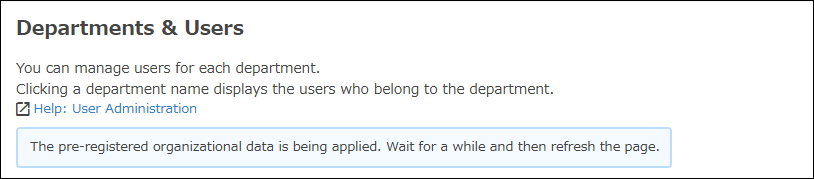
A message is displayed on the Departments & users screen while the data is being applied.