Managing departments and users by department administrators
This page describes how department administrators manage their departments and users.
Accessing the "Departments & users" screen
-
Click the gear-shaped menu button in the header.
-
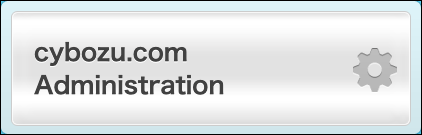
Click cybozu.com Administration.
-
Click Departments & users.
The departments and users for which the department administrators have administrative privileges are displayed.
Steps
Department administrators can perform the same operations for their departments and users as cybozu.com administrators.
As for the actions that department administrators cannot perform, the menus and buttons are either not displayed or grayed out.