Changing display order of job titles
This page describes the steps to change the display order of job titles.
The changed display order is applied to the lists and dropdown lists in the administration screens.
-
Access cybozu.com administration.
Accessing cybozu.com administration -
Click Job titles.
-
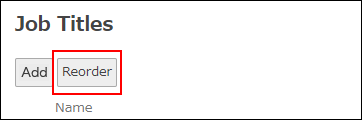
Click Reorder.
-
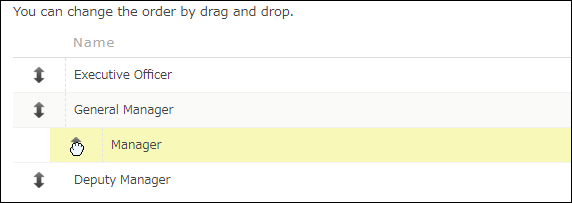
Move the job title you want to reorder to the desired position by a drag-and-drop action.
-
Click Save.