Enabling auto-complete for the login name
Suggestions for the login name appear on the login screen.
-
Access cybozu.com administration.
Accessing cybozu.com administration -
Click Login.
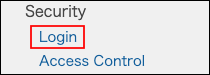
-
In the Streamline login process section, select Use autocomplete to fill in login name.

-
Click Save.