Enabling/disabling notifications on mobile devices (for Android)
The mobile app sends push notifications when "To me" notifications are received in kintone. Whether to receive push notifications for "To me" notifications can be configured in the settings on your device. By default, push notifications are enabled.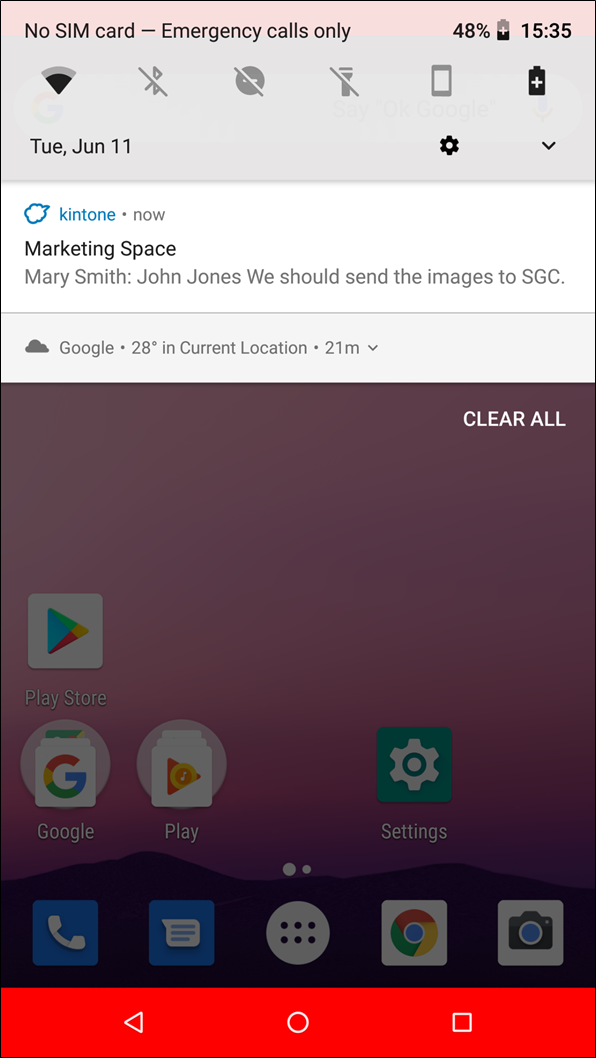
This page describes the steps to check the settings on your mobile device when you are not receiving any push notifications and the steps to disable push notifications.
When you do not receive any push notifications
If you are not receiving any push notifications for your "To me" notifications, check the notification style configured in your mobile device's settings.
The settings screen may vary depending on your device model and the version of Android you are using.
-
On your mobile device, open Settings.
-
On the "Settings" screen, tap Apps.
-
In the listed apps, tap kintone.
-
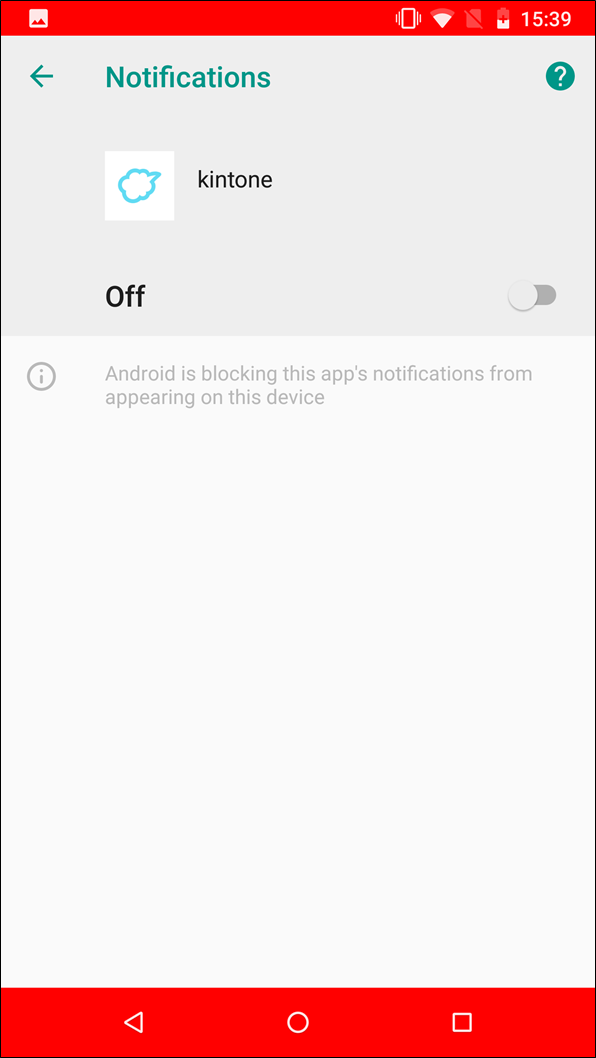
On the app info screen, tap Notifications.
-
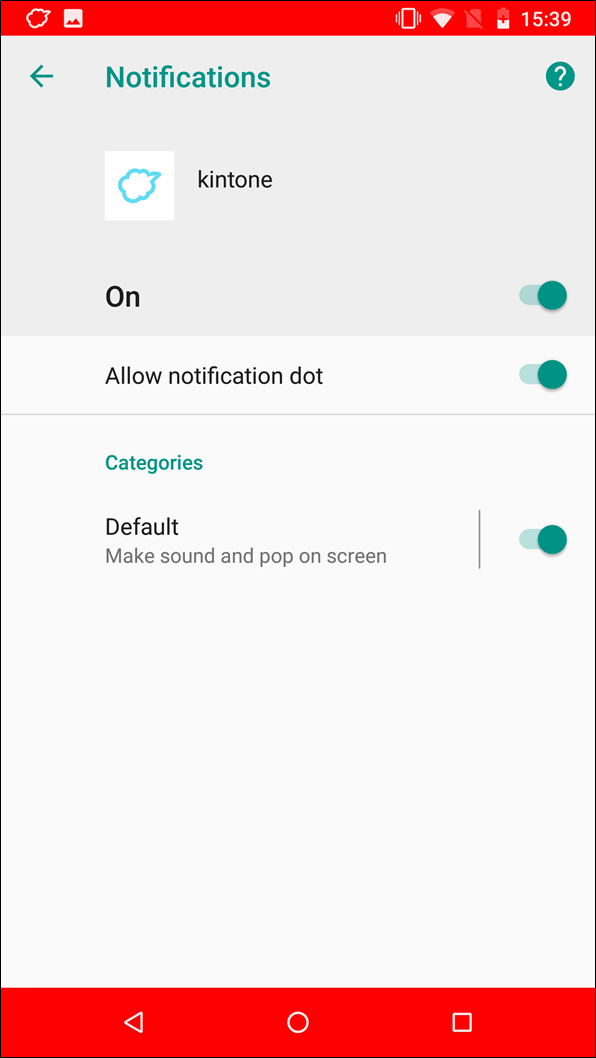
On the screen for configuring kintone notifications, enable all of the notification options.
When you want to disable push notifications
To disable push notifications or change how they are displayed, configure your mobile device's settings as follows:
-
On your mobile device, open Settings.
-
On the "Settings" screen, tap Apps.
-
In the listed apps, tap kintone.
-
On the app info screen, tap Notifications.
-
On the screen for configuring kintone notifications, turn off notifications.