I would like to copy values of only specific fields when duplicating a record
There are two ways to duplicate a record:
- Using the Duplicate icon
- Using an app action
If you use the Duplicate icon, you cannot specify which field values are copied. In a duplicated record, values are entered for all of fields that can be copied, so you will need to make any necessary changes to the copied fields.
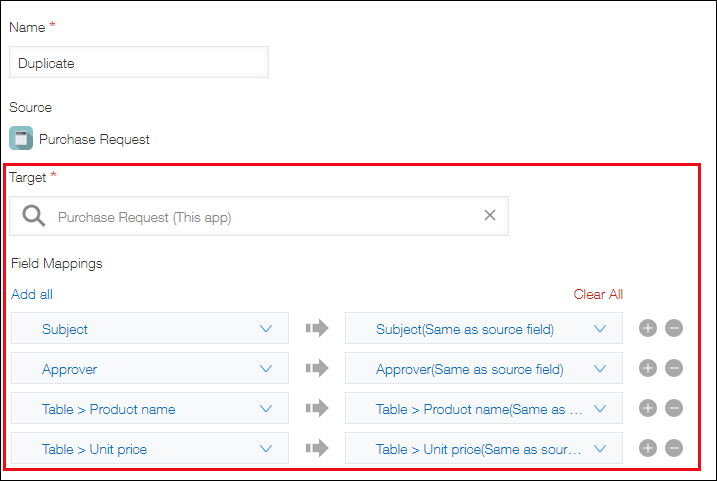
If you use an app action, you can copy the values of specific fields by specifying the same app (the app you are currently using) as the Target. For details, refer to the following page:
Creating an action to duplicate a record in the same app