
Is it possible to renumber records from 1?
Records are automatically numbered in the order that they are added.
Also, record numbers are not updated once they are assigned.
If you want to reassign record numbers starting from "1", follow the steps below to recreate your app.
-
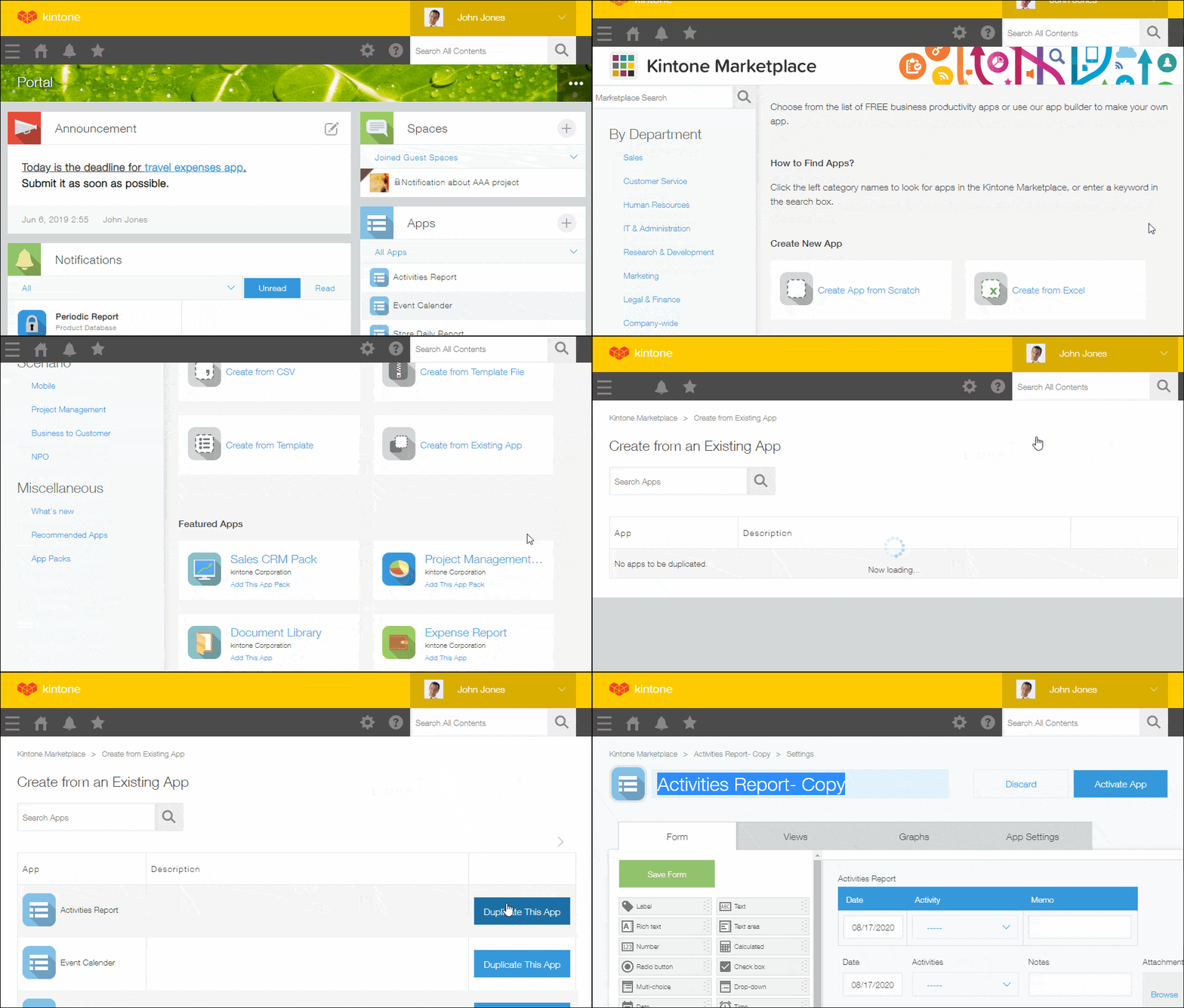
Create a new app by copying (duplicating) an existing app.
-
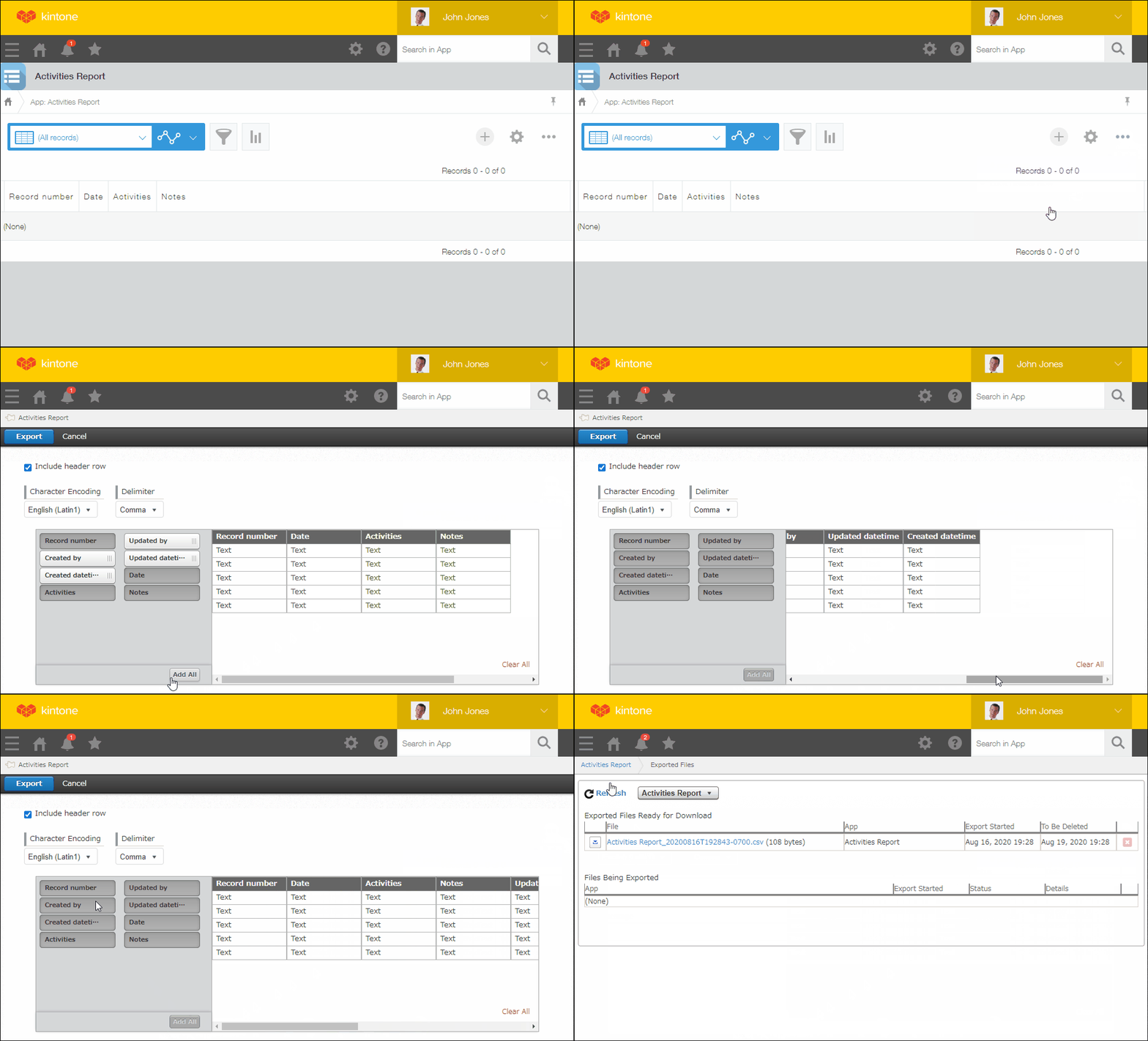
Export the record data of the source app to a CSV file.
-
Import the exported CSV file into the app you created in step 1.
When importing, select Only add new records for the Record data setting.
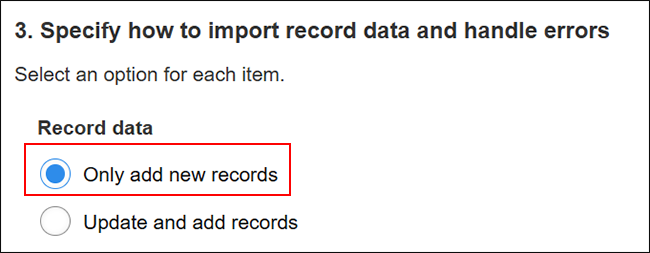
Records will be bulk copied to the new app and renumbered starting from "1".