
Changing the display order of added portals
To change the display order of portals created in addition to the preset portal, follow the steps below.
-
Click the Settings icon (the gear-shaped icon) on your portal, then click Portal management.

-
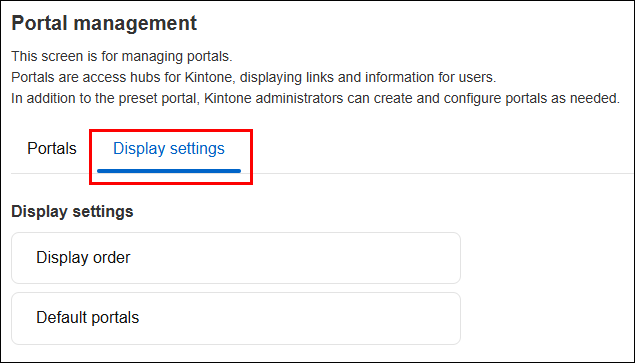
On the Portal management screen, click the Display settings tab.
-
Click Display order.
-
On the Display order screen, click Display order settings.
-
On the Display order settings dialog, drag and drop the portals where you want them using the Drag to reorder icon to the left of each portal.
-
Click Save and apply.